NEWTERYON 0.21.0 · pane trees, Kitty graphics, agent sandbox →
Remote workspace · Rust · OpenSSH

Your Mac mini.
Wherever you work.

Shells that outlive your connection. Close the lid, switch networks, come back tomorrow, and everything is exactly where you left it.

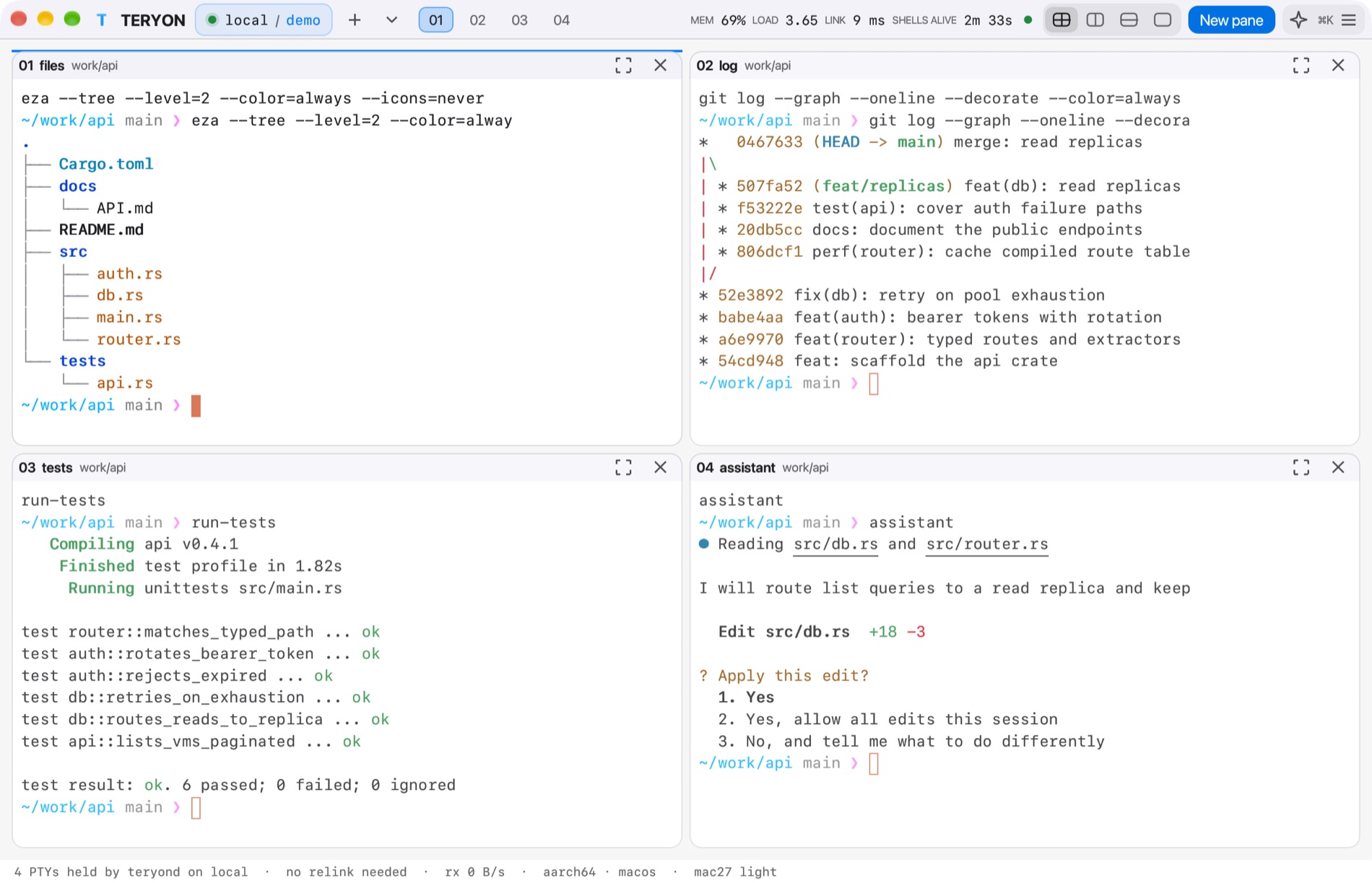
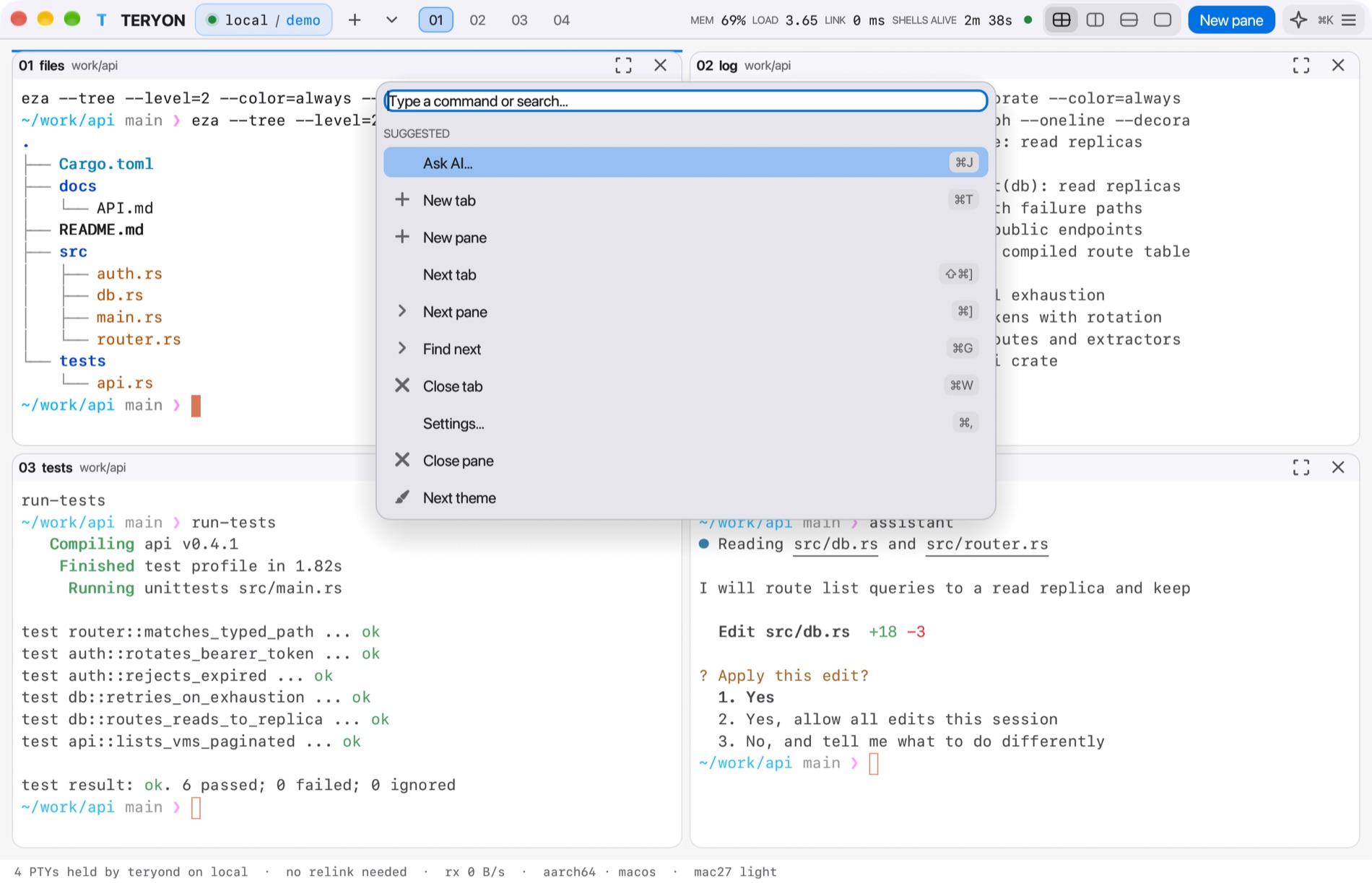
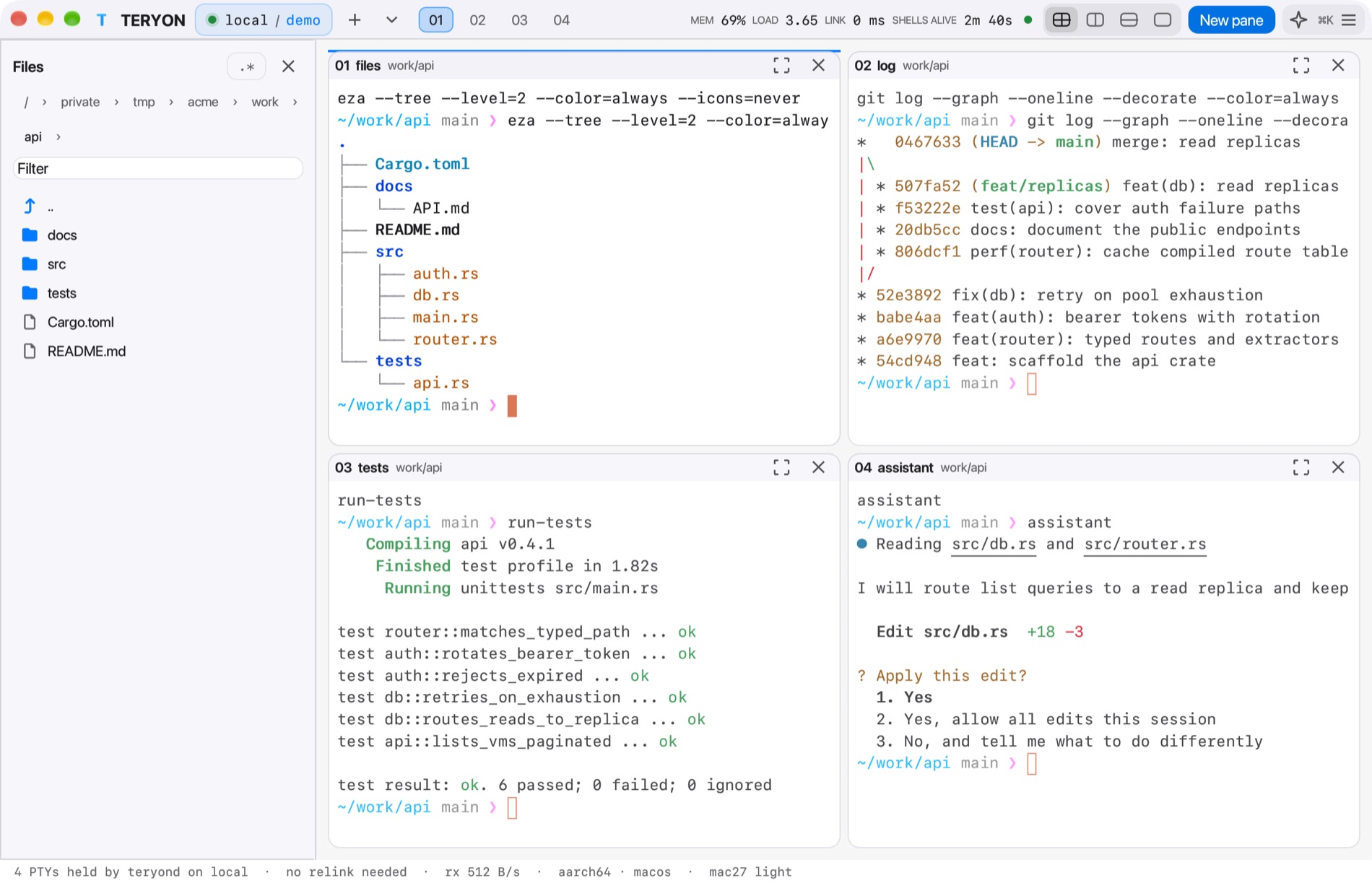
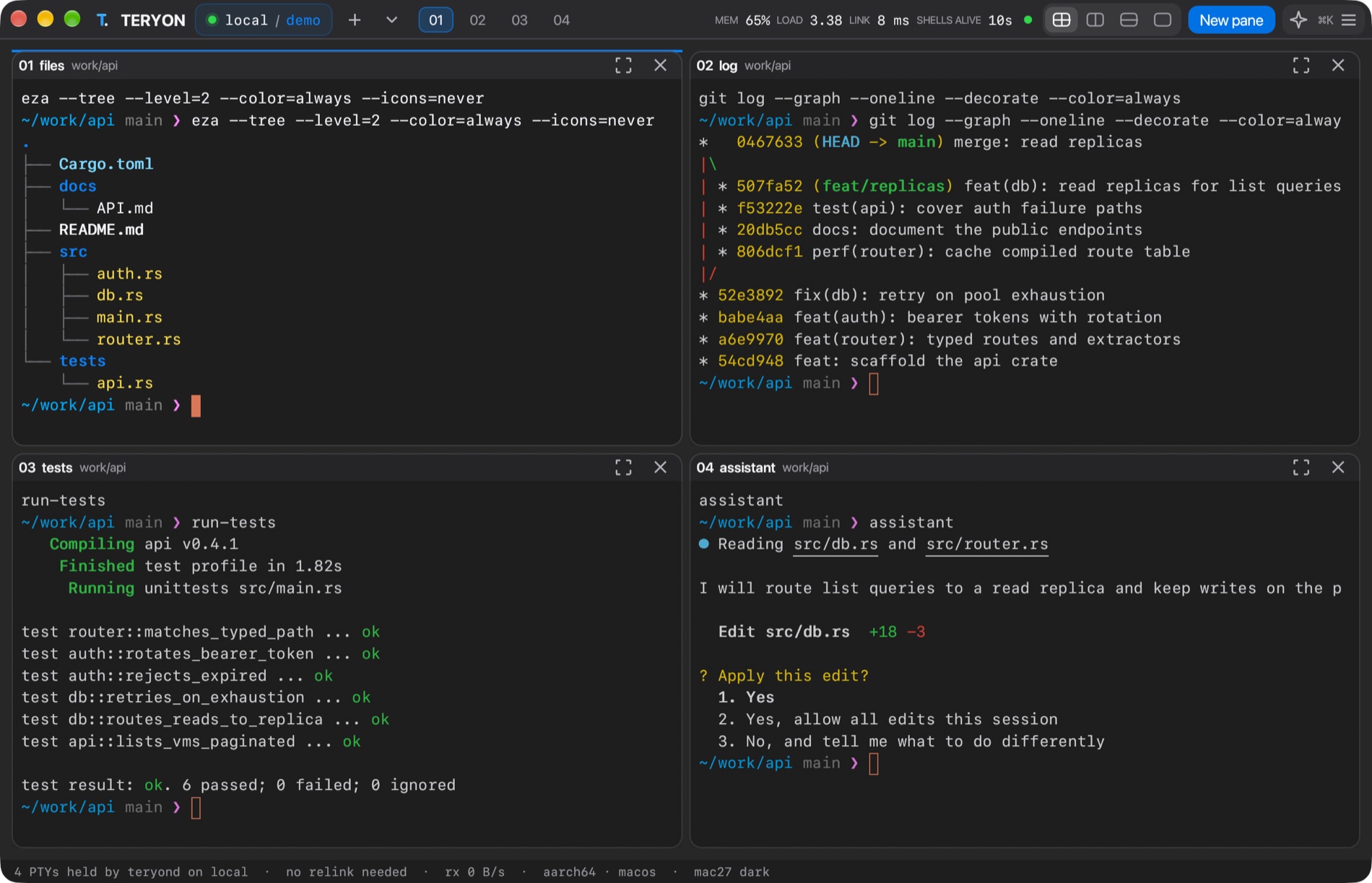
TERYON desktop app in the Mac27 Dark theme with four panes: a file tree, a git log, test output, and an assistant asking for approval TERYON desktop app in the Mac27 Light theme with four panes
Why TERYON

Separate the shell from the connection.

A small per-user service on your Mac mini or Linux host owns the terminals. Your laptop connects over the OpenSSH you already trust. No new ports, no new accounts.

Persistent

Real PTYs on the host

Disconnect, sleep, or quit the client. Reconnect to the same live shells.

Plain SSH

Your keys, your config

Ports, jump hosts, agents and aliases stay in your existing OpenSSH setup.

23

Themes that repaint ANSI

Colors 0–15 follow the theme, so ls, git and editors look right.

Persistent by design

Close the laptop. Your shells stay.

The daemon owns the terminals, not your connection. Try it.

💻
Your MacBookconnected
🖥️
Mac miniteryon daemon

4 shells running. A build is at 63%.

Native desktop

One slim bar. Everything else is terminal.

A GPU window over the same persistent shells. Drag splits, navigate by keyboard, search scrollback, and open the command palette for the rest.

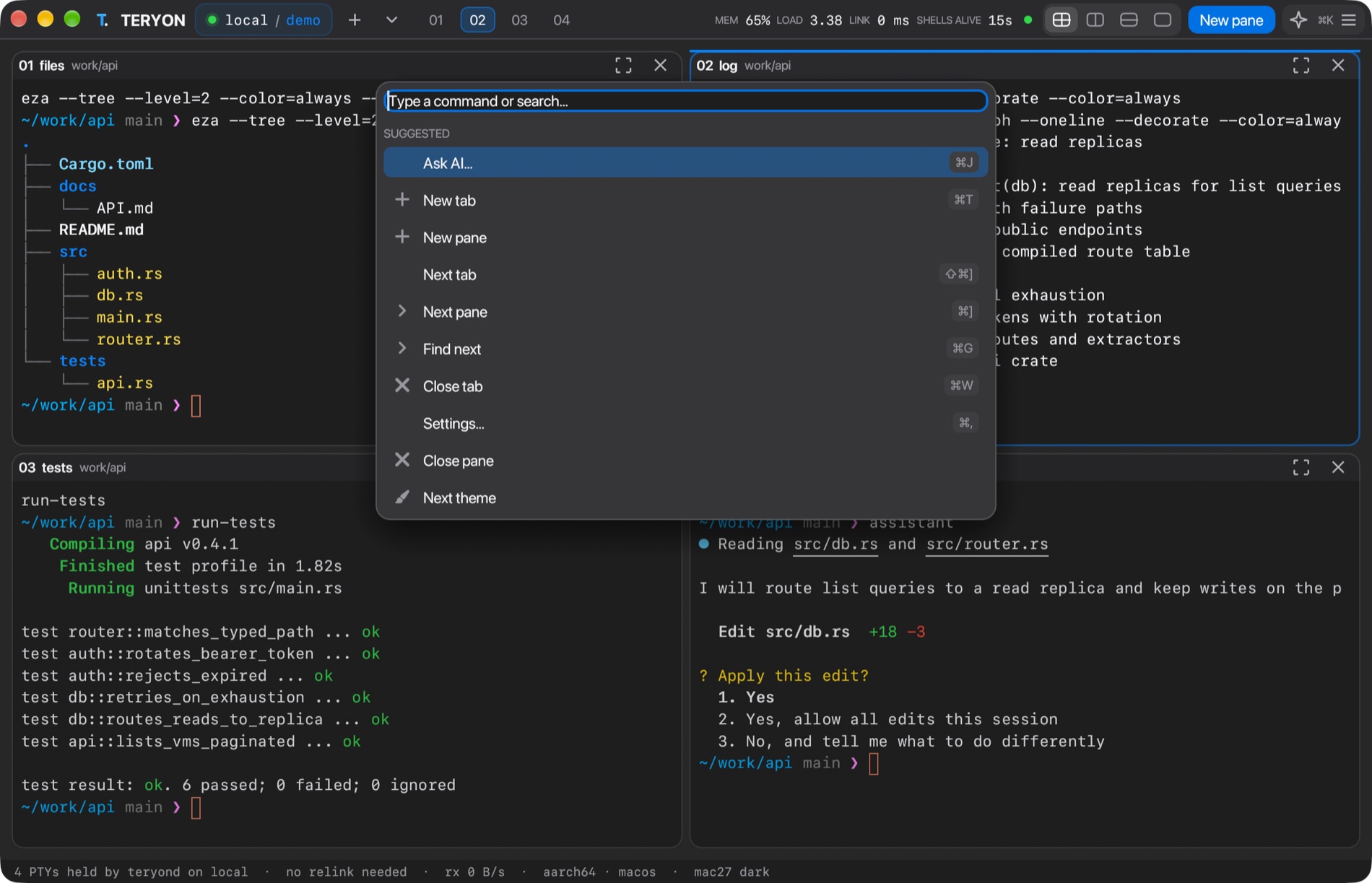
The TERYON command palette open over four panes, Mac27 Dark The TERYON command palette open over four panes, Mac27 Light
Pane trees any split, any depthCommand palette fuzzyInline images Kitty & iTerm2⌘-click OSC 8 linksVi copy mode & quick select
Built for coding agents

See which agent needs you.

TERYON watches each pane's foreground command and shows a status chip for Claude Code, Codex, Gemini, aider, Cursor and OpenCode.

claude · workingcodex · needs youaider · idlegemini · done

Own worktree

Start an agent on its own Git branch, so its edits stay out of your checkout.

Sandboxed on request

teryon sandbox -- claude limits writes to the repository and hides ~/.ssh.

MCP server

teryon mcp gives MCP clients durable panes, local or over SSH. Reads are always on.

# give Claude Code a terminal that survives
$ claude mcp add teryon -- teryon mcp --allow-write

# run an agent where it can only write to this repository
$ teryon sandbox -- claude

A guard against mistakes and leaked credentials, not a boundary against a hostile program.

A Finder in your terminal

Press ⌘B. Browse anything.

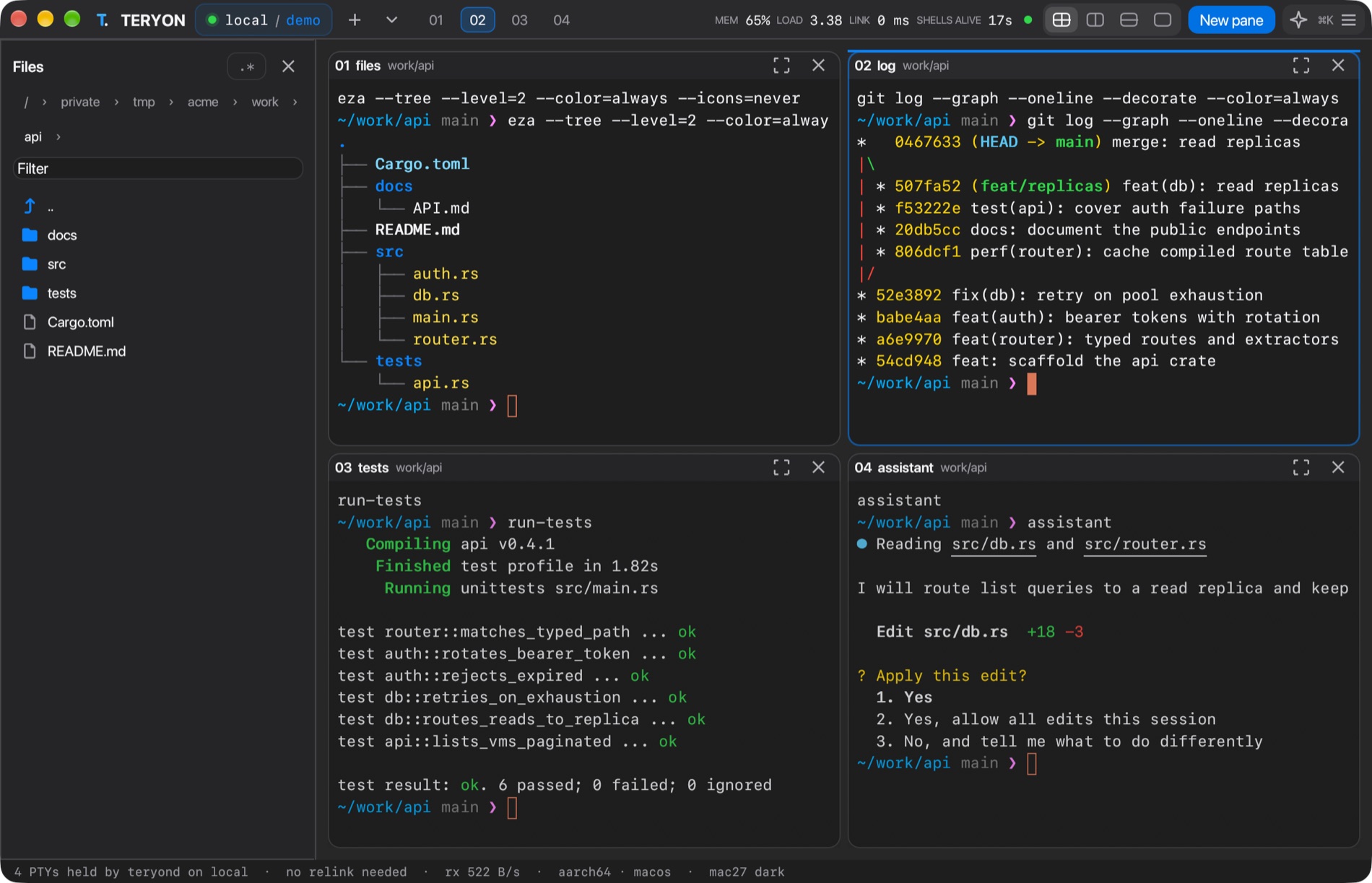
A sidebar follows cd, previews files with Quick Look (code is syntax-colored, with find), and works the same on a remote host over your SSH connection. Nothing is deleted: items go to the Trash.

The TERYON file browser sidebar next to four panes, Mac27 DarkThe TERYON file browser sidebar next to four panes, Mac27 Light
Themes

23 themes. One WezTerm export.

Mac27, Apple, Tokyo Night, Catppuccin, Dracula, Nord and more. teryon themes --export wezterm NAME gives your terminal the same palette.

Mac27 Dark
Mac27 Light
Apple Dark
Apple Light
Aurora
Carbon
Catppuccin Mocha
Dracula
Ember
Forest
Gruvbox Dark
High Contrast
Ion
Nord
Obsidian
Ocean
Pearl
Rose Pine
Sakura
Solarized Dark
Tokyo Night
Tokyo Night Day
Tokyo Night Storm
Get started

Up and running in minutes.

1 · BuildRequires Rust, macOS or Linux.cargo build --release --locked ./target/release/teryon connect local --workspace hello
2 · Install on your Mac miniEnable Remote Login, set up SSH keys, then:./scripts/install.sh ./target/release/teryon
3 · Connect from your MacBookteryon doctor you@mini.local teryon connect you@mini.local --workspace fluxvm
4 · Want the desktop app?cargo build --release --features desktop --locked teryon desktop you@mini.local --workspace fluxvm
An engineering preview, honestly. TERYON has real tests, including a real daemon and real shells, but not every feature has been exercised on every machine, and it makes no claim to beat tmux, Zellij, WezTerm or Mosh. Read the known limits and the test report before you rely on it.
Press Ctrl+Space then ? for help. Ctrl+Space → d detaches; your shells keep running.