Every Mac, counted.
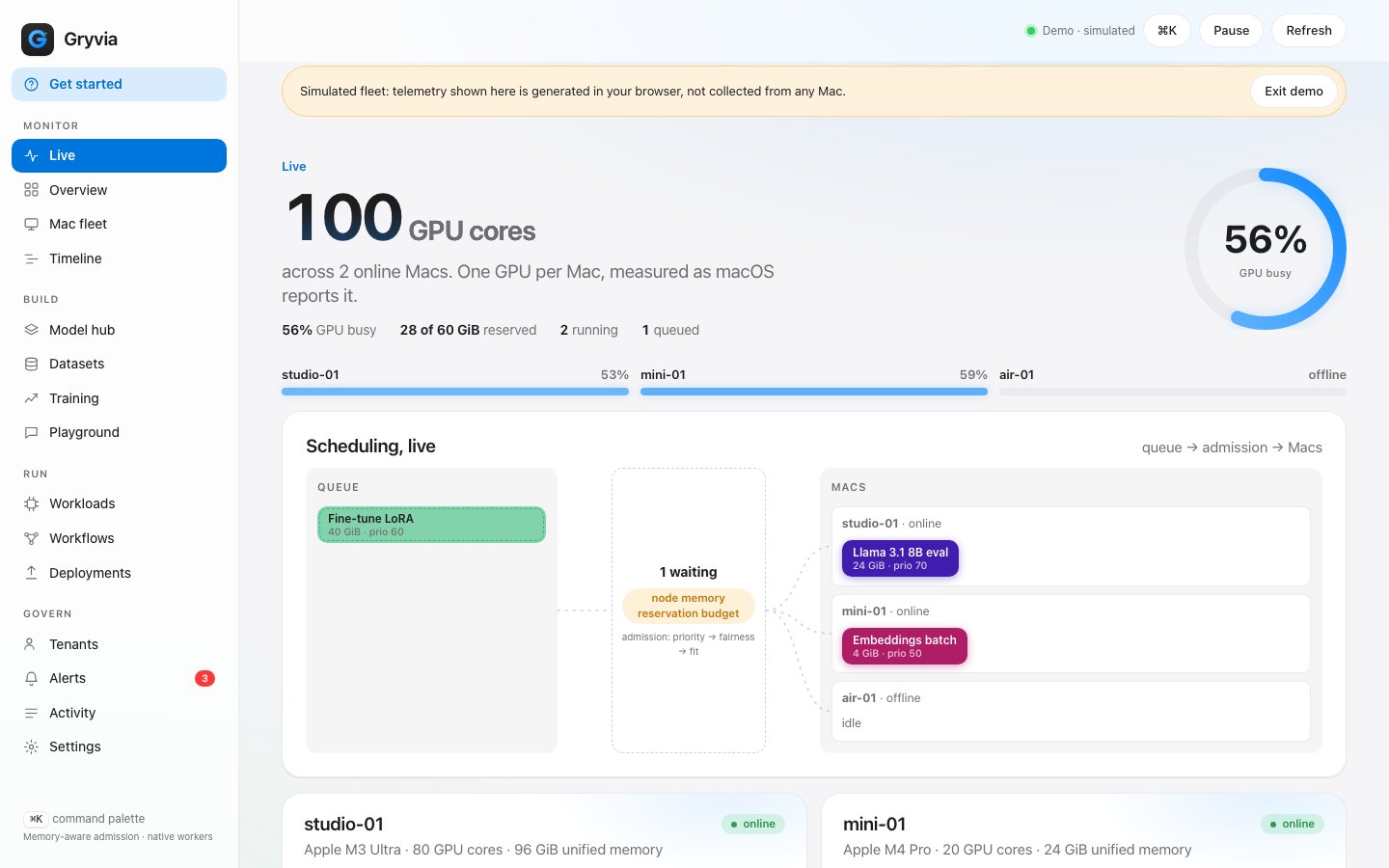
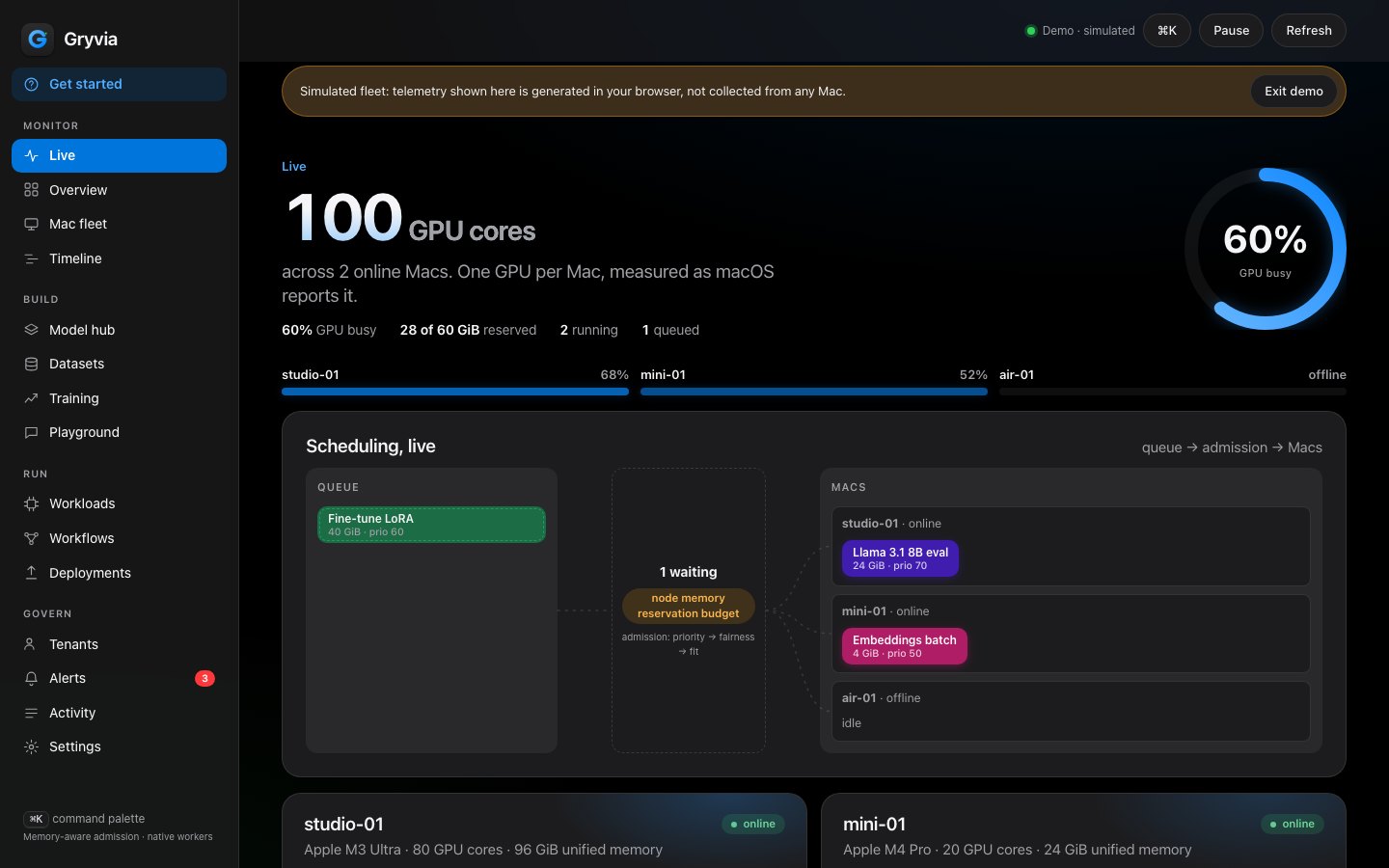
GPU cores and measured busy percentage straight from macOS, memory reservations by job, and the scheduler's reasoning as it happens.
A multi-tenant control plane for Mac fleets. It admits and places inference, fine-tuning and benchmark jobs against each Mac's unified-memory budget, with quotas, leases, provenance and a live view of every GPU.
Scroll, or use the arrow keys on a step. Every image here is the dashboard running on the built-in simulated fleet.
GPU cores and measured busy percentage straight from macOS, memory reservations by job, and the scheduler's reasoning as it happens.
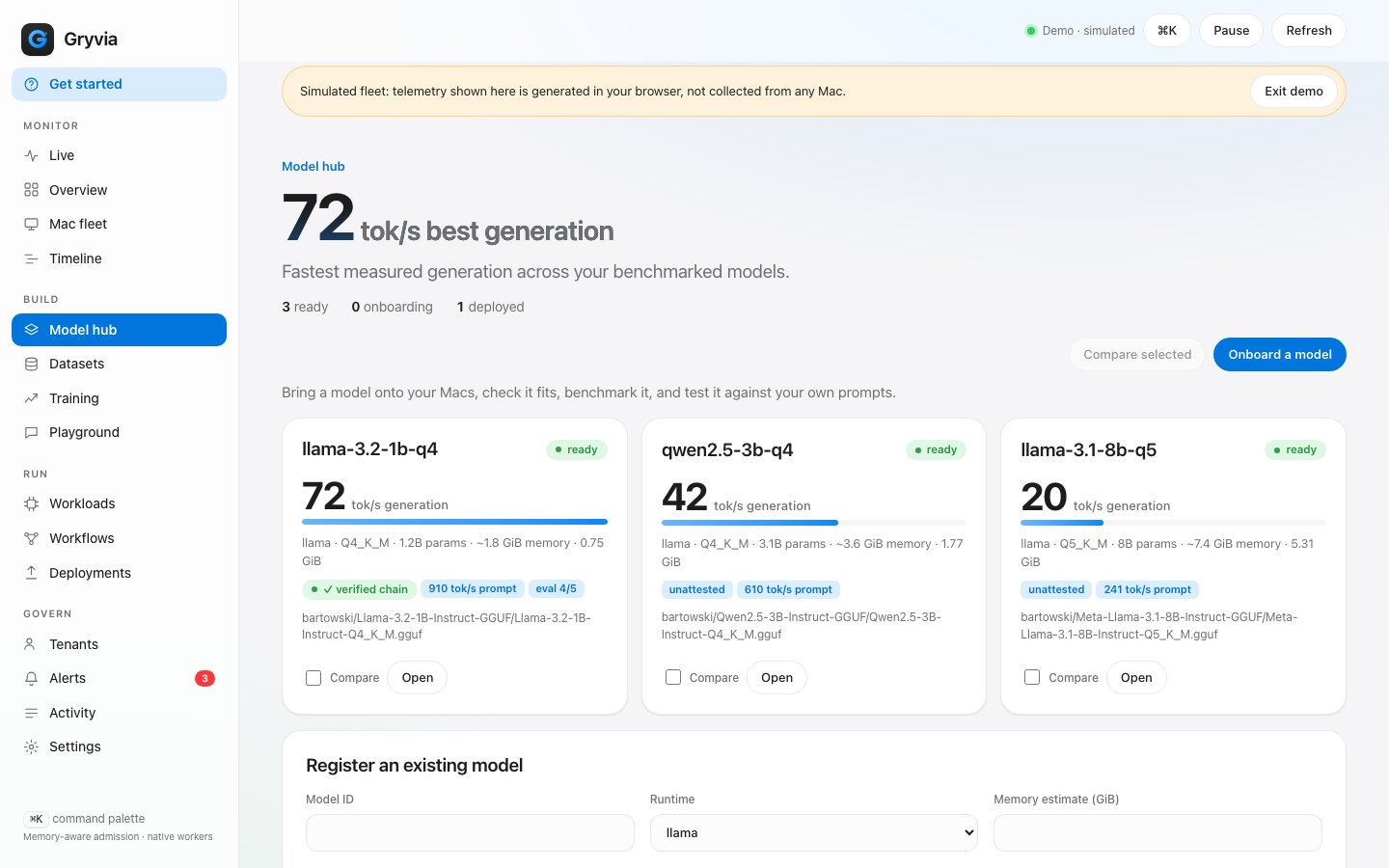
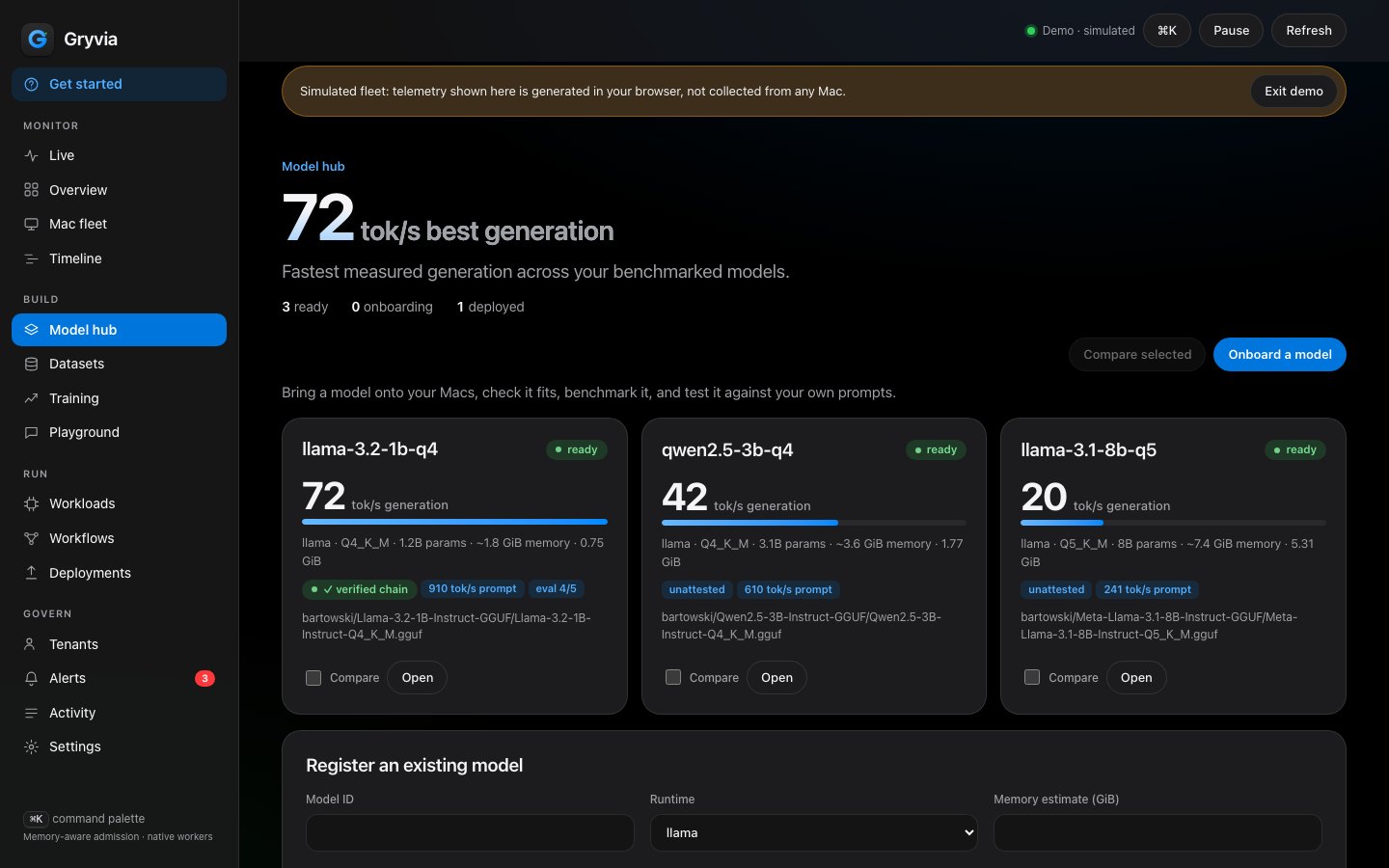
Onboard from Hugging Face with a size cap and SHA-256, then benchmark and evaluate on any Mac. Throughput is shown against your fastest model.
MLX LoRA runs report train and validation loss as they go; the best checkpoint is marked, and the adapter keeps its lineage.
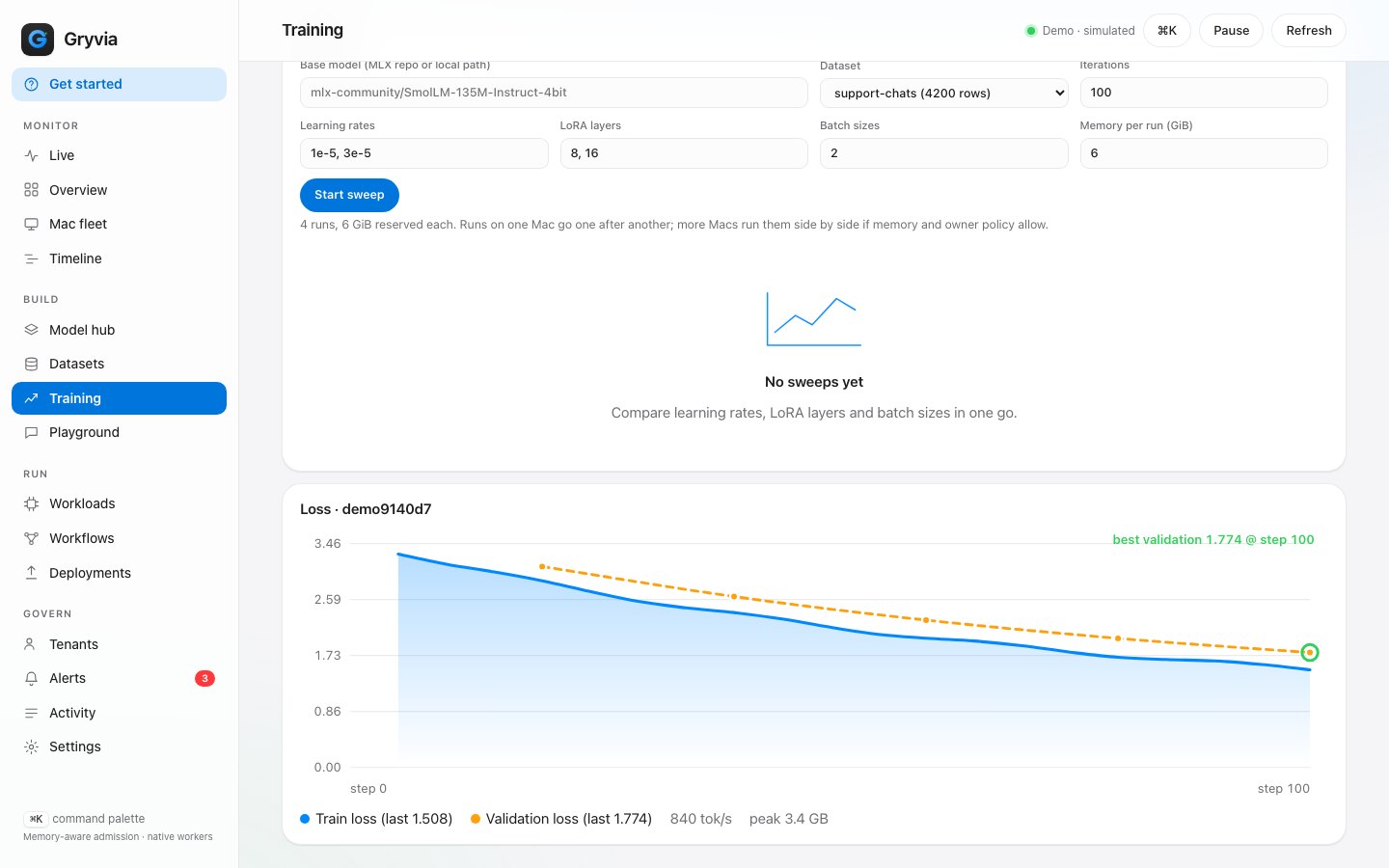
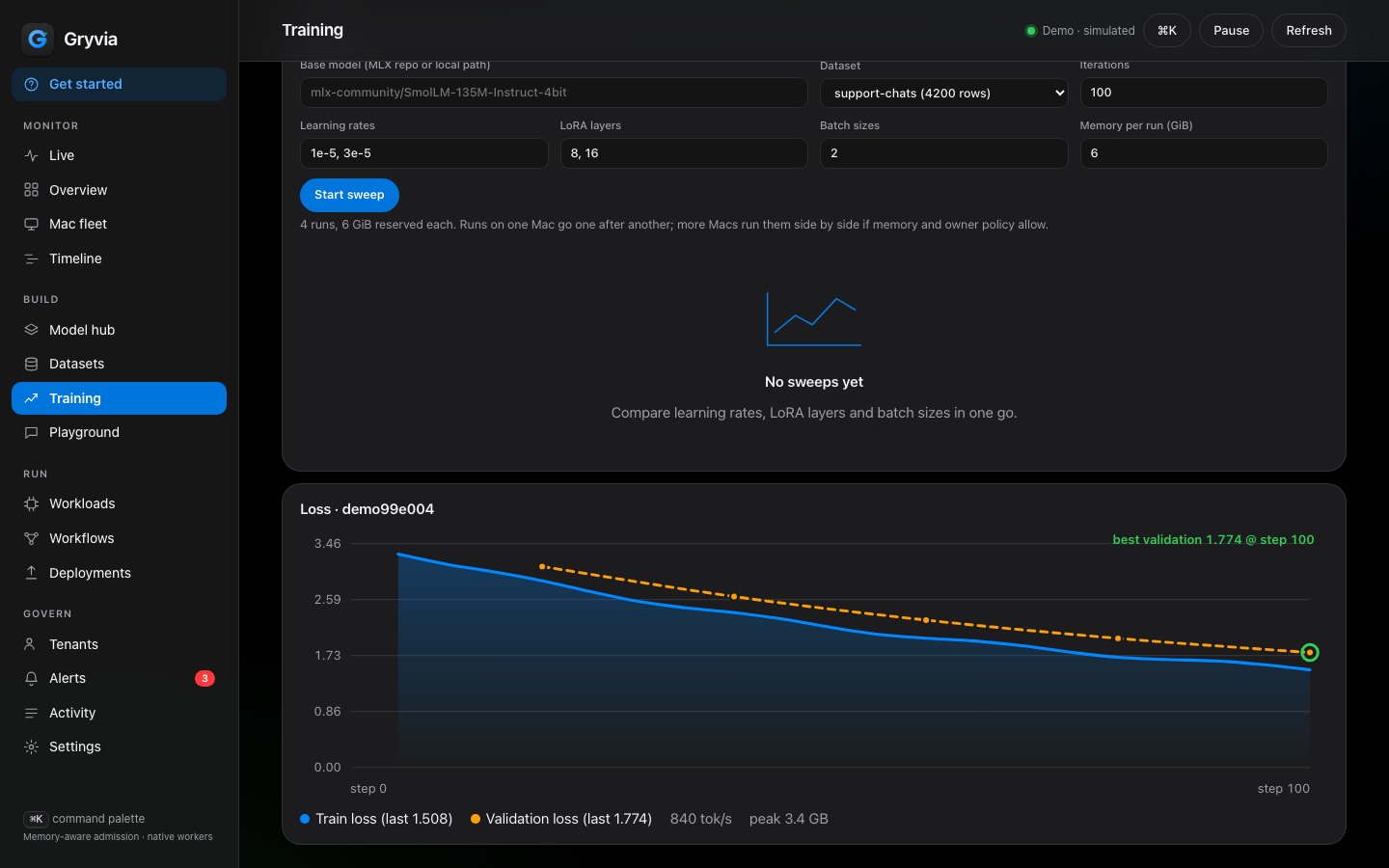
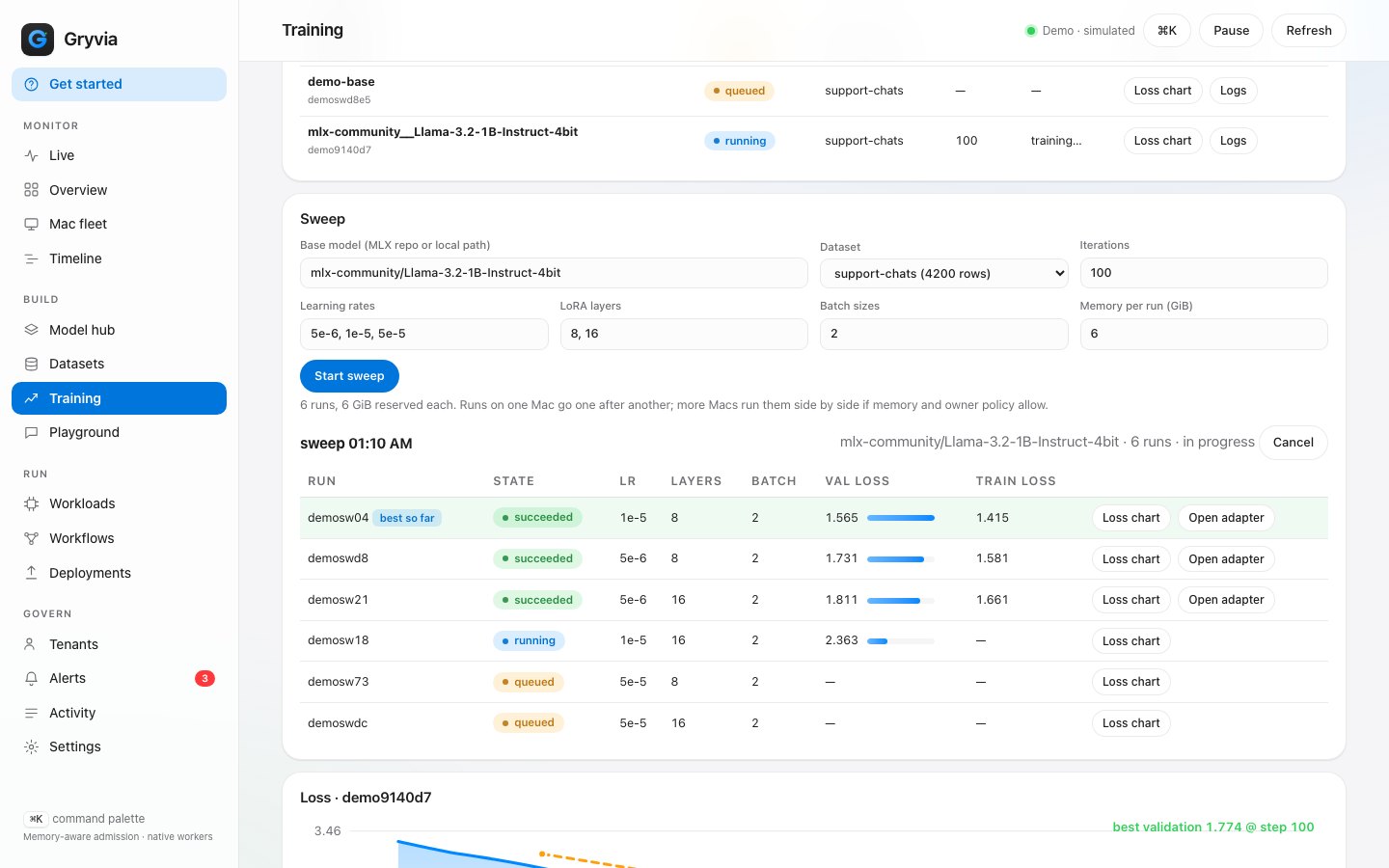
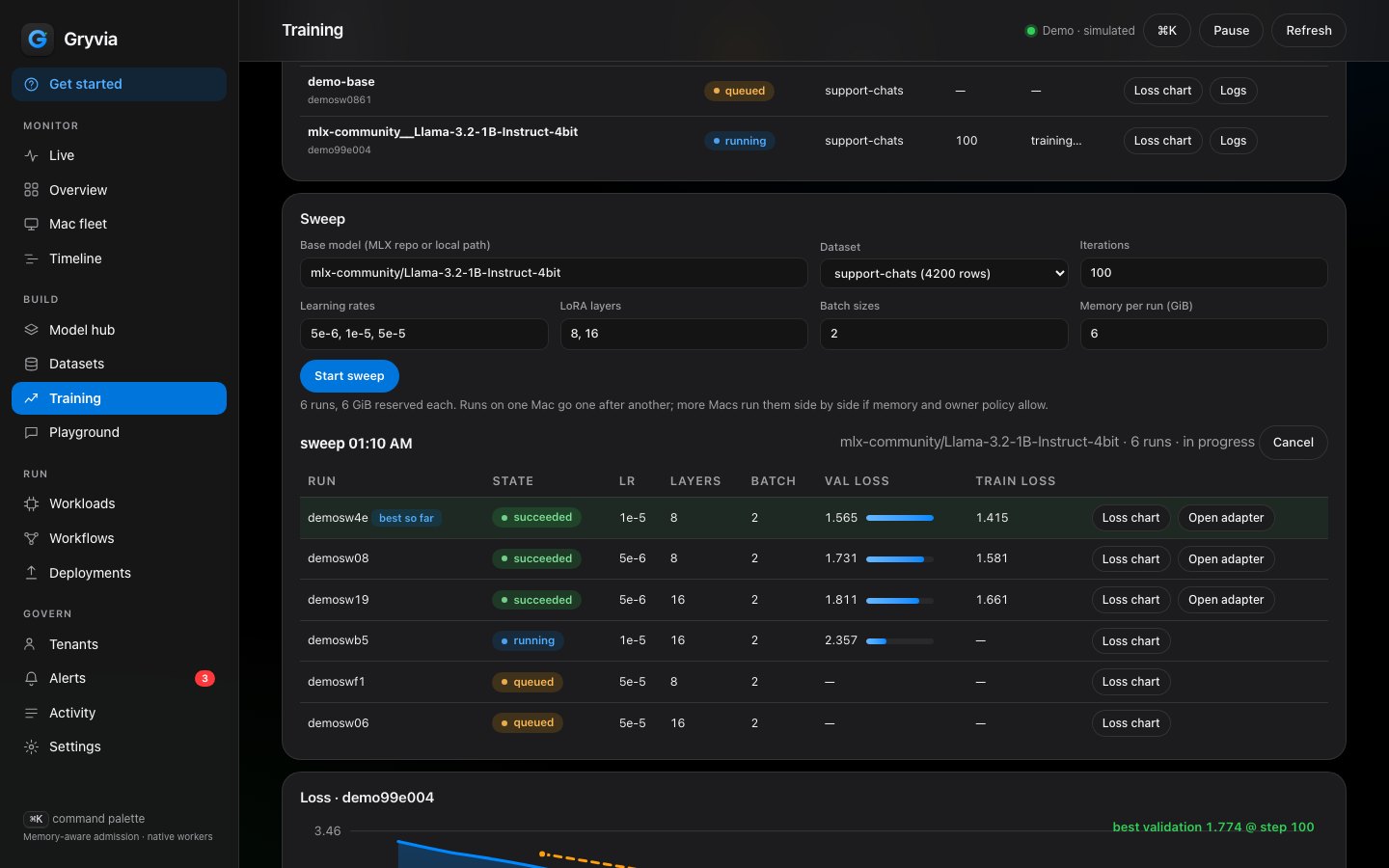
One fine-tune fans out over learning rates, LoRA layers and batch sizes as ordinary queued jobs, so quotas and owner policy still apply. Runs are ranked by validation loss and the best adapter is marked.
Each Mac chooses when it may run fleet work: always, only when its owner is away, or paused, with battery and call guards.
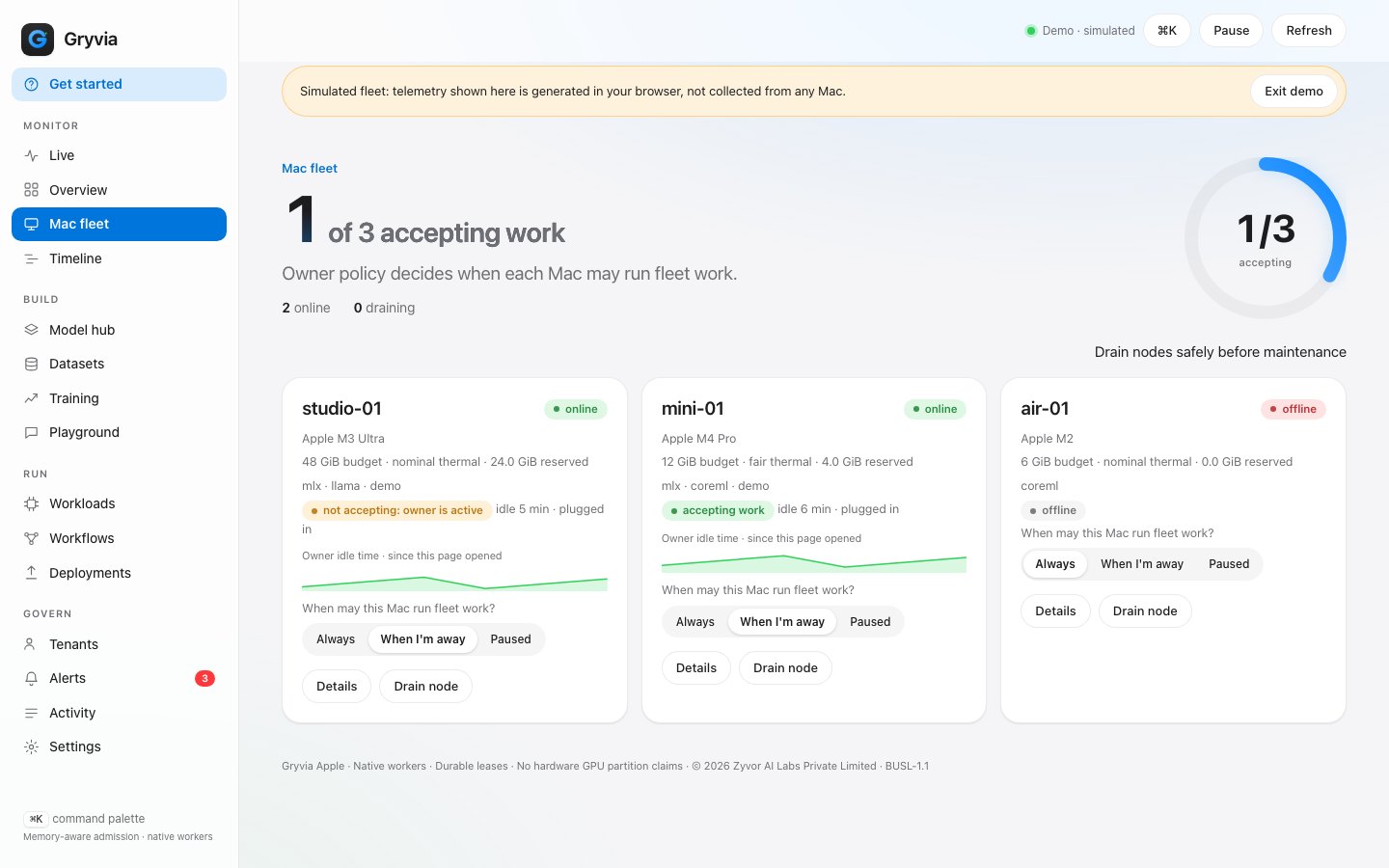
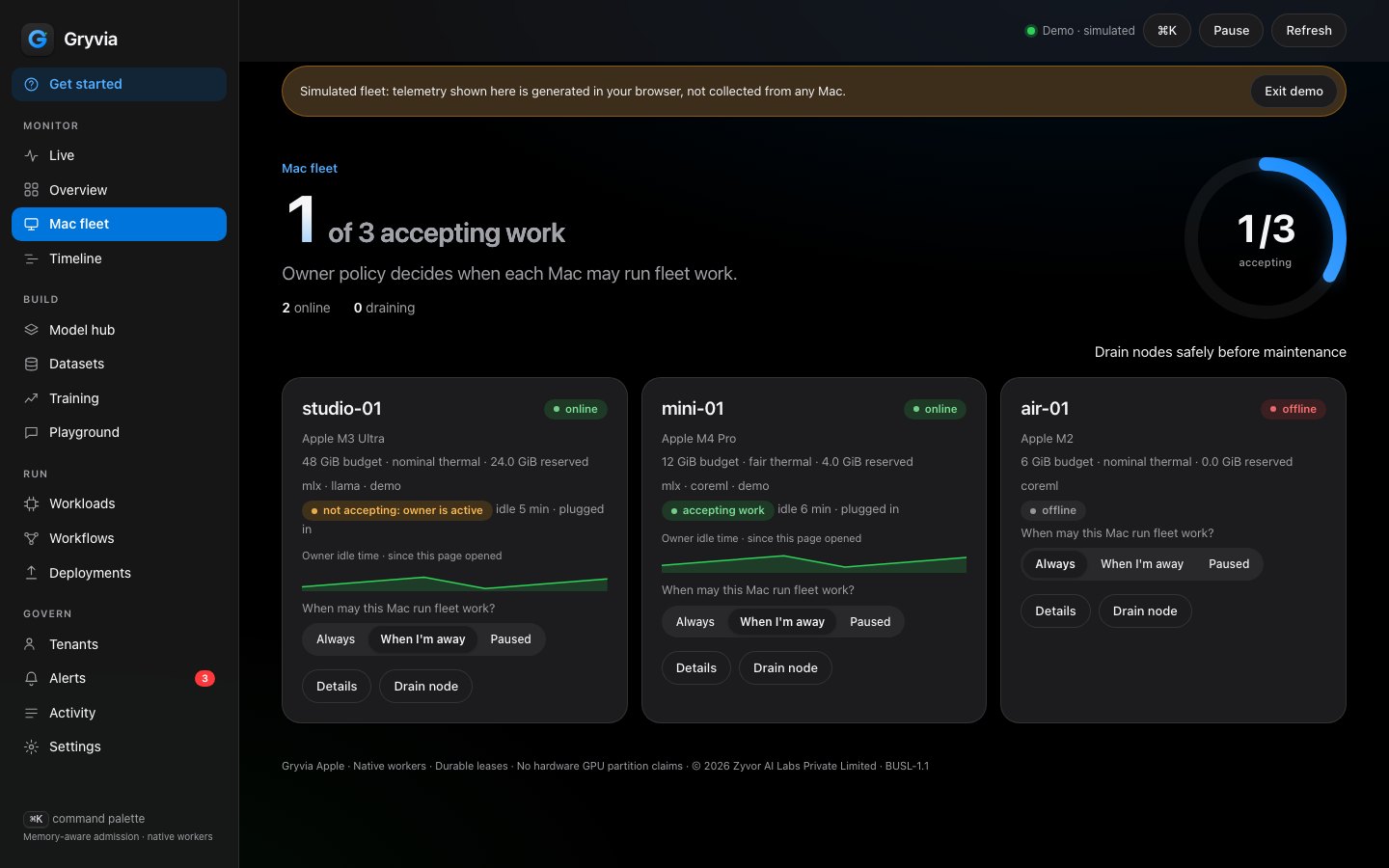
Simulated fleet data from the built-in demo, not a customer fleet.
Core count and utilisation come from the IORegistry (AGXAccelerator, no sudo). Matched against ioreg on a dev Mac (M4, 8 cores, macOS 27.2) and a Mac mini (12 cores, macOS 27.0).
Passed on both Macs in the 14 October 2026 run. Native agent built and XCTested on the dev Mac; the mini ran its agent smoke test.
GPU utilisation is the whole Mac's load, including other apps, not per job. Reservations are admission bookkeeping, not isolation.
In that run: Metal, MLX and llama runtimes, GPU throughput and isolation. The energy helper was not run on real hardware. Developer ID signing and notarization are not verified in docs/RELEASE.md.
Source: TEST_RESULTS.md (verified 2026-10-14) and docs/FEATURE_MATRIX.md. Counts are from that dated run; results of later single runs are in the table below. Screenshots on this page show simulated fleet data.
Every Apple Silicon Mac has exactly one GPU with many cores. Gryvia reads the core count and the measured busy percentage straight from macOS, so the fleet's GPUs are counted and shown, not guessed.
Utilisation is the whole Mac's GPU load, including other apps. Reservations are admission bookkeeping, not a live memory meter. The product says so wherever it shows them.
Illustration. In the app each cell is a real GPU core, lit in proportion to the measured busy percentage.
Tools like exo and MLX distributed answer how to split one model across machines. Gryvia answers the operational question for a fleet: which job runs where, in what order, under whose quota.
Reservations against each Mac's unified-memory budget, tenant quotas and weights, priorities, dependencies and retries, decided in one SQLite transaction.
Workers hold short renewable leases. A stale worker cannot finish a job it lost, and a cancelled job keeps its reservation until the process has stopped.
Live GPU cores, scheduler decisions with reasons, Prometheus metrics, per-tenant usage and energy estimates, and an audit trail.
gryvia fit estimates weights plus KV cache for every Mac. Admission also checks macOS memory pressure and Metal's working set, and critical pressure asks running work to stop.
Model servers stay on their Mac's loopback. The agent relays requests and SSE streams over its own outbound, lease-bound connection, and your platform token never reaches the model server.
List deployments nobody has called within a window, then stop them to free their memory reservation. You trigger it; nothing evicts on its own.
Every step is a scheduled job on a Mac of your choice, with the same quotas, logs and audit trail.
| Run | Result | Notes |
|---|---|---|
| Llama-3.2-1B-Instruct Q4_K_M, llama-bench | 5,999 tok/s prompt · 151 tok/s generation | 512 prompt / 128 generated tokens, 3 repetitions, idle Mac, one run |
| Same model through the gateway, streaming | 0.28 s to first token | 120 chunks in 1.07 s |
| Idle eviction, live: tiny GGUF on llama-server behind the agent relay | Kept while busy · evicted after 75 s idle | Serve job cancelled, endpoint cleared, process exited; later requests get 503. One run, macOS 27.2 |
| MLX LoRA on Llama-3.2-1B-Instruct-4bit, 120 iterations | 3 / 72 → 71 / 72 held-out phrasings | 24 facts × 5 stems; unseen stems; keyword scoring; one seed. With self-rehearsal 65 / 72 and no regressions on general questions (23 / 24) |
Small data and a single seed: these show the pipeline works end to end on real hardware, not general fine-tuning quality. Full methodology and caveats are in TEST_RESULTS.md.
A desktop Mac is not a server. Each Mac has an owner policy: always, only when idle, or paused, with battery and Low Power Mode rules and a call guard. Idle detection reads only the time since the last input event, lock and display state, power source and whether an input device is running. No window titles, keystrokes or app names.
Each agent has an Ed25519 identity key (CryptoKit, kept in a 0600 file). When a job finishes the agent signs a statement binding the job, its spec hash and its result. The control plane pins each node's key on first contact and verifies signatures with a small vendored verifier, then keeps a chain across download, fine-tune, fuse and quantise. A policy can refuse to deploy a model without a verified chain.
The MCP server is read-only by default. Write tools (submit, cancel, set a Mac's policy) exist only when you start it with --allow-write, and they run with the role of the token you give it, so a tenant token scopes an agent to one tenant. Shortcuts actions cover fleet status, a demo job and pausing a Mac.
# read-only MCP server over stdio
GRYVIA_URL=http://127.0.0.1:8443 \
GRYVIA_TOKEN=… \
python3 mcp/gryvia_mcp.py

# tools: gryvia_fleet · gryvia_jobs · gryvia_job_logs
#        gryvia_models · gryvia_results · gryvia_run_metrics
# with --allow-write: submit · cancel · set_node_policy
The native app mirrors these screens with a grouped sidebar, a menu-bar item to pause fleet work on this Mac, and a Dock badge for running jobs.
| Tool | What it is great at | How Gryvia relates |
|---|---|---|
| exo, MLX distributed | Running one large model across several Macs | Different question. A future executor integration could let Gryvia schedule such jobs. |
| Ollama, LM Studio | Simple single-machine model serving | Gryvia can sit above machines that each run a server. |
| llama.cpp, MLX | The runtimes themselves | Gryvia drives them: llama-bench, llama-server, mlx_lm lora, mlx_lm server. |
| vllm-metal and other engines | Batched serving inside one process | Engine-level; Gryvia is fleet-level. |
| Kubernetes, Nomad, Slurm | General schedulers | Gryvia adds the Apple unified-memory and owner-presence model. |
Based on each project's public documentation as reviewed on 14 October 2026; these tools move quickly, so check them. More detail in docs/COMPARISON.md.
The dashboard has a demo mode with a clearly labelled simulated fleet. No install.
Open the live demo# terminal 1: control plane (creates ./local with tokens) make run-server # terminal 2: turn this Mac into a worker make run-agent # then open http://127.0.0.1:8443 and press “Run demo job”
Download the DMG or pkg from the releases page, or use Homebrew once the tap is published. Then make deploy MINI=your-mac installs the agent and control plane on another Mac over ssh.
# when the tap is published
brew install --cask zyvorai/tap/gryvia
shasum -a 256 -c Gryvia-0.3.0.dmg.sha256
Gryvia Apple is free for personal, non-business use. For business use, the signed and notarized build opens without a Gatekeeper warning and includes a licence for business and commercial use: ₹420 including GST (about US$4.99). No redistribution or resale. You get a GST invoice and a download link by email.
Companies and multi-site licences: sales@zyvor.dev. The free GitHub build stays available.
It is source-available under the Business Source License 1.1: you can read, modify and use it for non-production purposes, and each version converts to Apache-2.0 four years after its first public release. It is not an OSI open-source licence.
No. For that, look at exo or MLX distributed. Gryvia decides which whole job runs on which Mac and under whose quota.
No. It is the whole Mac's GPU load as macOS reports it, including other apps. Reservations are admission bookkeeping, and energy figures are estimates.
Yes: set its policy to “only when I am away”. Work starts after the idle time you choose and yields when the owner returns. Battery, Low Power Mode and call guards apply.
Agents poll your control plane outbound. Nothing is sent to Zyvor. Models are downloaded only from huggingface.co or hf.co, with a size cap and a recorded SHA-256.
Only until you stop them. A deployment keeps its reservation while its serve job runs. Idle eviction lists deployments with no gateway traffic in a window you choose and stops them; run it by hand or from cron. There is no autoscaler, and the next request does not redeploy a model automatically.
Apple Silicon on macOS 15 or later. llama.cpp (GGUF), MLX and Core ML wrappers ship in the box, and runtimes are enabled per Mac in its own config.