The console
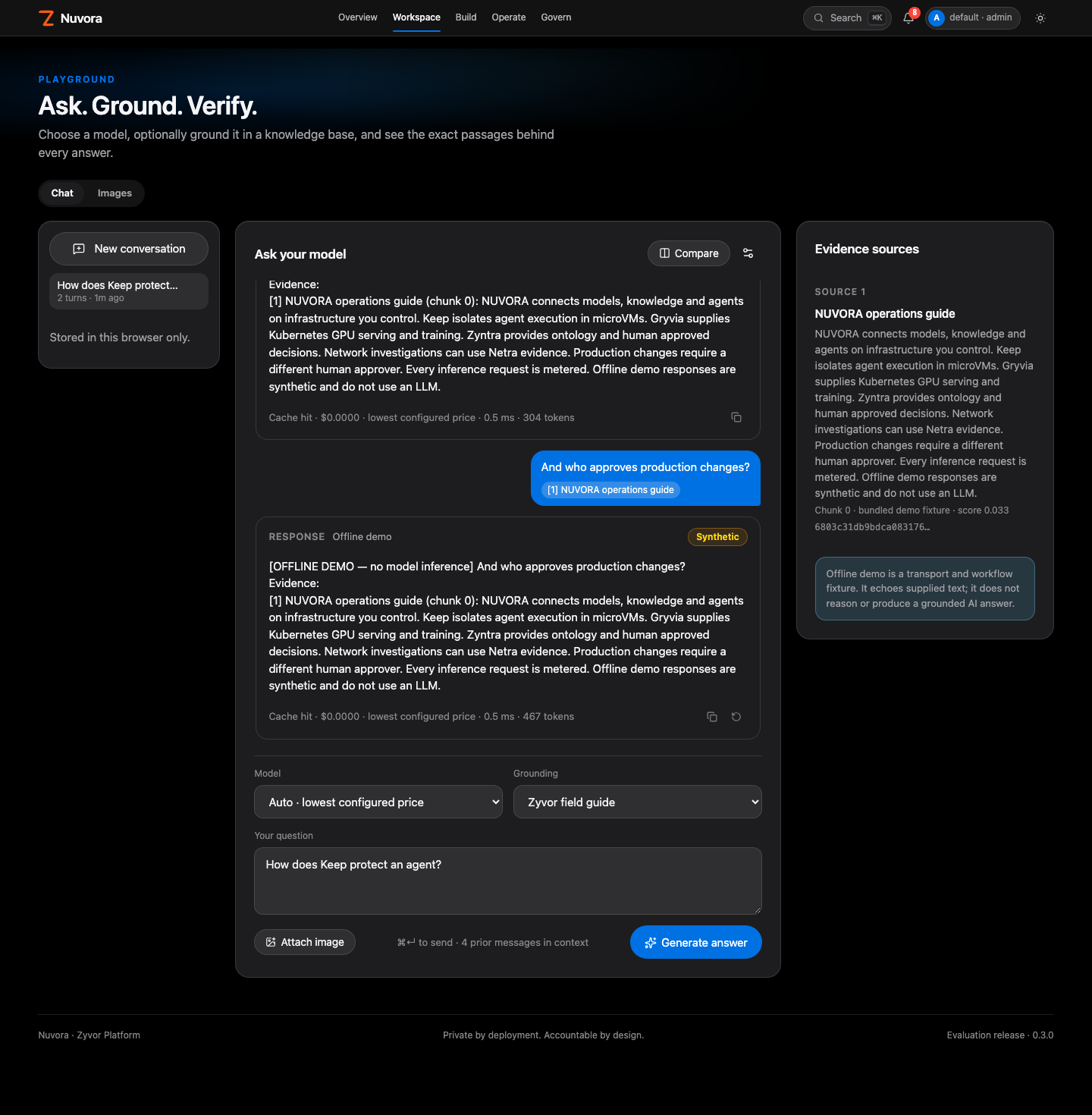
The console follows the Zyvor Apple UX contract shared with Netra:
- light by default, with dark one click away and remembered on the device
- compact page heroes, so data starts in the first screen
- hairline tables, and blue reserved for intent
Navigation
| Group | Pages |
|---|---|
| Overview | Overview |
| Workspace | Playground, Models, Knowledge |
| Build | Agents, Connectors & actions, Workflows, Prompts, Model studio |
| Operate | Runs, Evaluations, Batch inference |
| Govern | Approvals, Guardrails, Usage & cost, Evidence, Access, API keys, Settings |
Every page has a hash URL (#playground), so links and the browser back button work. Resources deep-link too: #workflows/<id> opens that workflow's drawer. The account menu shows tenant · role and holds password change, API keys, Settings and log out. A dot appears on Approvals when a decision is waiting, and the bell lists approvals and recent runs.
Moving fast
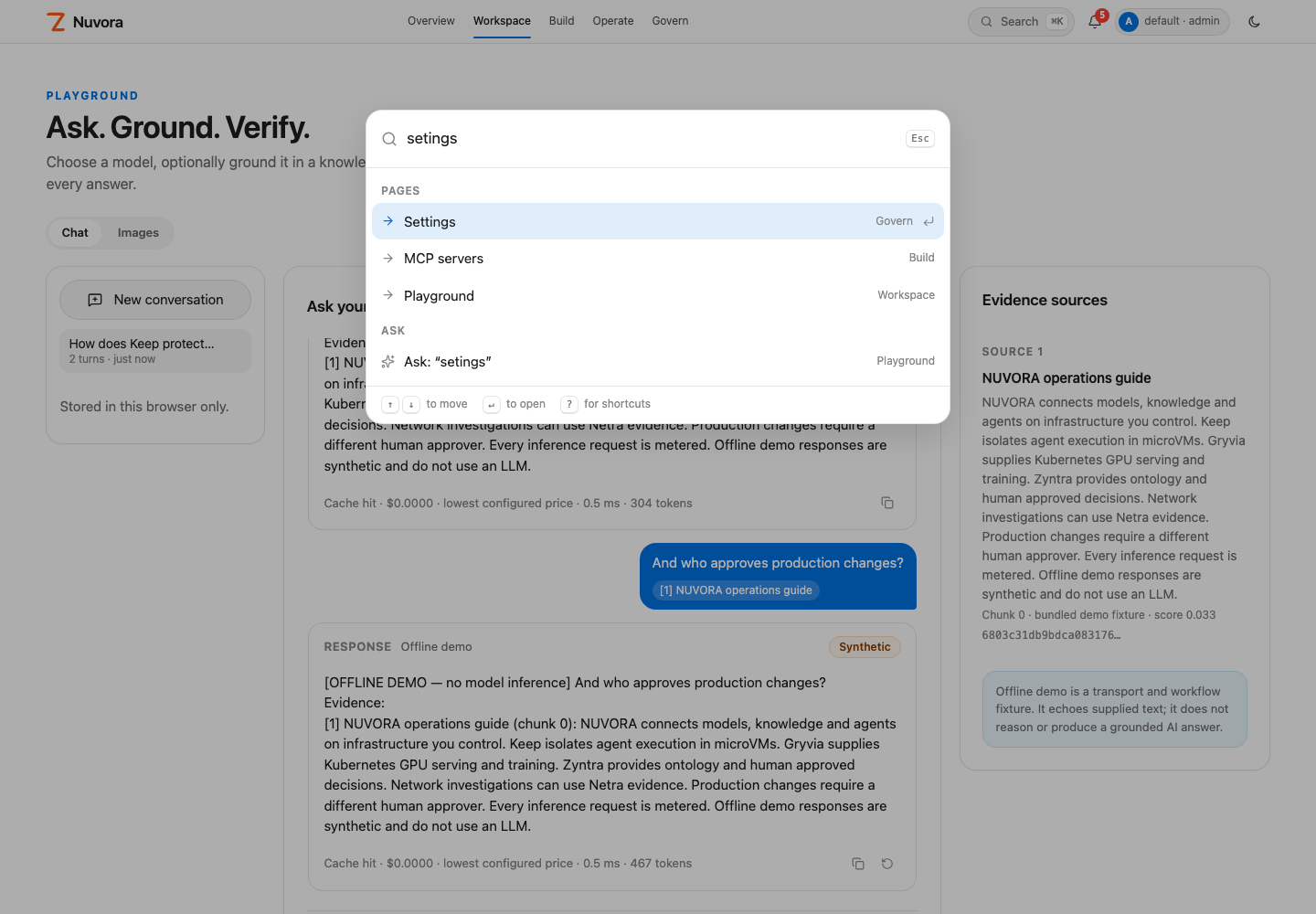
- ⌘K or / opens the command palette: pages, resources and actions, with a fuzzy match. Anything else becomes a playground question.
- ? lists the shortcuts. g then a letter jumps to a page, for example g p for Playground.
- In the playground, ⌘↵ sends.
Working with resources
Click a resource's name to open its drawer:
- Overview: the facts, a run form for agents, workflows and evaluations, and Duplicate and Delete.
- History: every retained revision.
- Diff: what changed between any two revisions.
- JSON: the raw record, to copy or download.
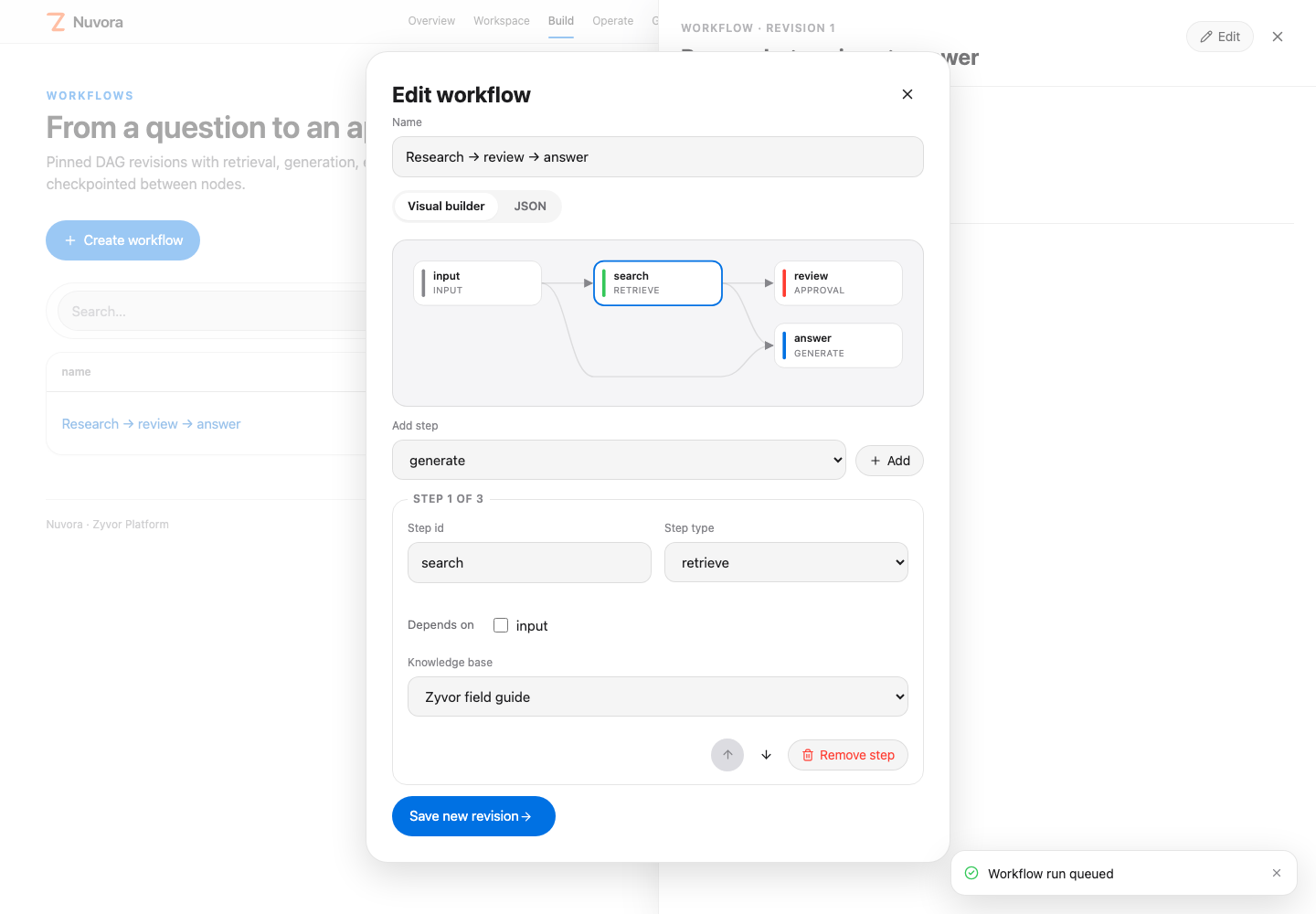
Edit saves a new revision with expected_revision, so two people can't silently overwrite each other. Workflows have a visual builder alongside the JSON editor, and their runs show each step on the DAG, with the approval inline when a step is waiting.
Roles
| Role | Can |
|---|---|
viewer | Read the workspace |
developer | Build and run models, knowledge, agents, workflows, and prompts |
approver | Decide approvals that someone else proposed; doesn't build |
admin | Everything, including people, connectors, and guardrails |
The roles don't inherit from each other. Keeping builders and approvers as separate people is the point.
The console hides or disables controls by role, but the API is the authority.
Playground
Conversations stay in this browser only, per workspace and user. Answers stream in with a Stop button. Compare mode asks two models the same question side by side. Hover a citation chip to see the passage it came from.