How it works
From a slow request to a fixed one.
Five steps, one console. Each is a capability in the product, not a roadmap item.
See every flow
Hubble flows, verdicts, drops and L7 context on a live service map.
Name the process
Kernel attribution: which process made which call, not just which pod.
Write the policy
AutoPolicy learns real traffic and suggests Cilium rules.
One root cause
netpred explain joins kernel, DNS, network and Kubernetes evidence.
Fix, then prove it
An autonomous healer, checked with chaos and replay.
What you get
A console, a CLI and an API.
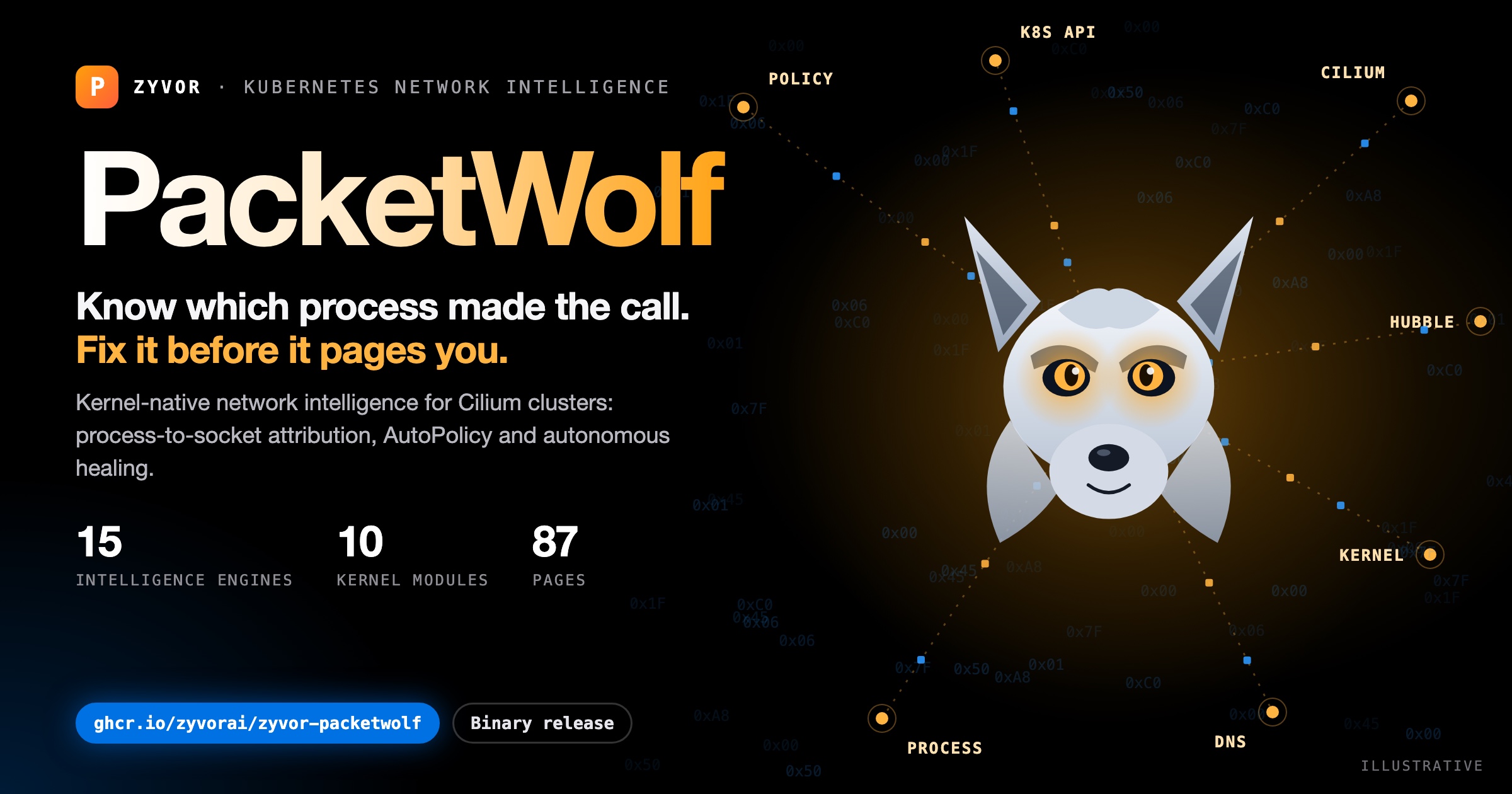
87 pages
Observability, security, intelligence, operations, networking, eBPF data and system, plus 60 embeddable panels.
15 intelligence engines
Anomaly detection, AutoPolicy, healer, root cause, forecasting and more.
Non-Kubernetes containers
A node agent surfaces Podman and Docker containers that cluster tools never see.
Roles and SSO
Users and roles, with OIDC, SAML and LDAP sign-in.
Every page is listed in the page index.
New in this release
Three additions.
BPF Attachments
Which eBPF programs PacketWolf expects, whether each is really attached, and drift. A silent loss of a hook after a NIC or kernel change becomes visible.
Network changes
Which link, address, route or neighbour changed on a node, and when, with findings such as default route removed and uplink down. Linux only.
MCP server
16 read-only tools for Claude Code, Claude Desktop and other MCP clients. Off by default, same credentials as the API, stricter about who may call it.
Run it
One container, one minute.
# evaluation on one machine
docker run -d --name packetwolf -p 9191:9191 \
  -e JWT_SECRET="$(openssl rand -hex 32)" \
  -e PACKETWOLF_ADMIN_API_KEY="$(openssl rand -hex 24)" \
  -e PACKETWOLF_ADMIN_PASSWORD='choose-a-strong-password' \
  ghcr.io/zyvorai/zyvor-packetwolf:latest

# then open
http://localhost:9191
The image runs the API and the web console on port 9191. Nothing ships with a default password or key: the three secrets above are required. Give it about 20 seconds to start, then sign in as admin.
Without a Kubernetes cluster and Cilium behind it, pages that depend on cluster data show their empty states. For the full experience, start a 30-day PoC; deployment packages come with it.
Linux x86_64 image. An arm64 image is not published yet.
Plans and licence
Proprietary, distributed as binaries.
| Plan | What you get |
|---|---|
| Community | Evaluation and non-production use, where the licence allows it |
| Professional | Entry edition, updates and upgrades, business-hours support |
| Enterprise | Advanced edition, updates and upgrades, priority support |
| Premium | Contracted scope with 24x7 critical intake |
Priced per managed core with an annual minimum. Quotes from sales@zyvor.dev. The licence text applies to the binaries.