Console and sign-in
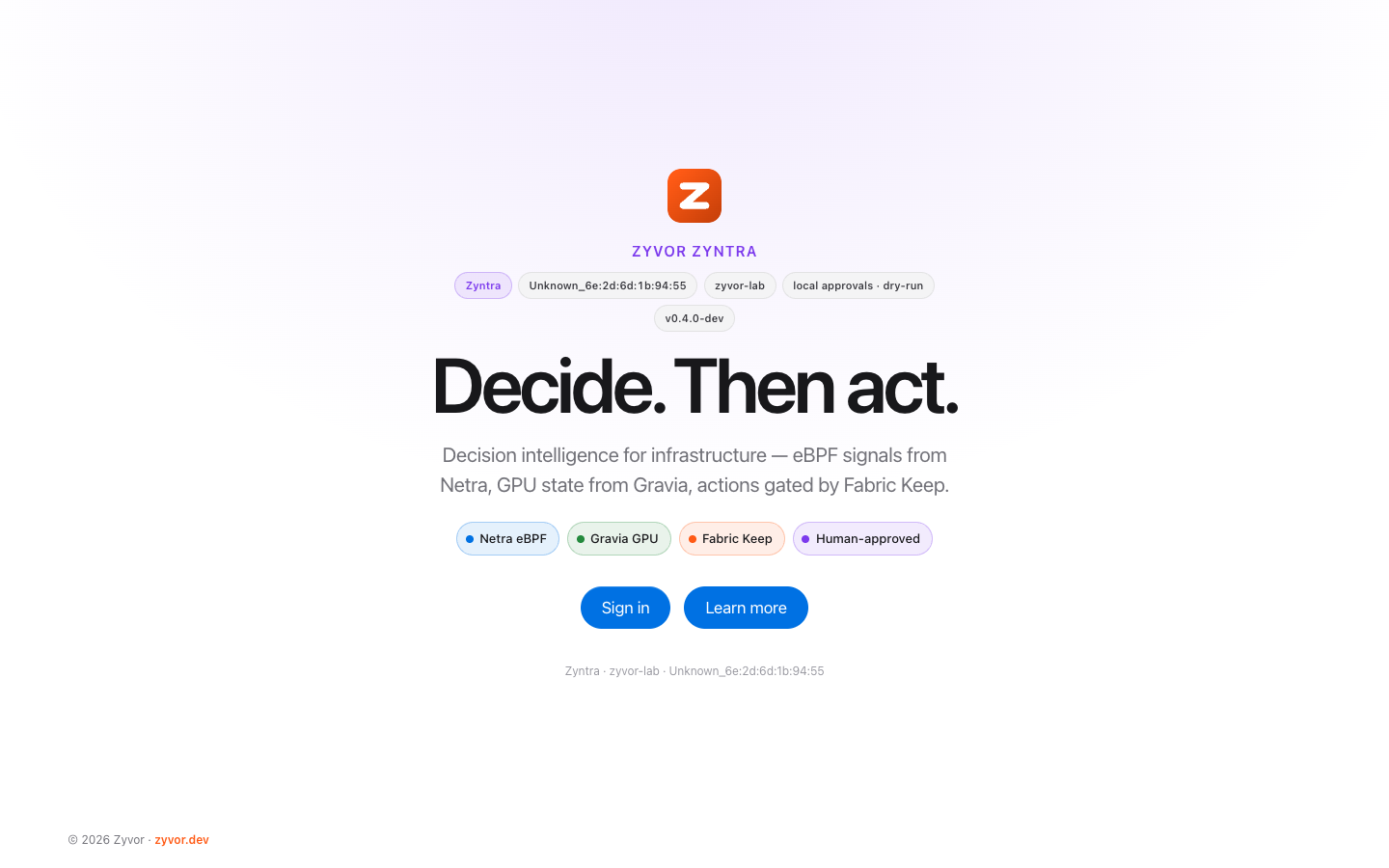
zyntra serve embeds a React console styled like Netra. Its pages are grouped as Overview; Decide (Gaps, Plan, Simulate); Act (Approvals, Audit); Business (Objects, Workflows, Scenarios, and Service levels for tenant accounts); Signals; Intelligence (Insights, Ask); and Model, plus a timeline page for each decision. There are light and dark themes. The Business group appears when the pack defines an ontology.
-
Sign-in asks for a username, then a password (or SSO, or the access key). Out of the box that is
admin/Admin@321, flagged with a banner until changed. -
Gaps and Plan have an owner filter, remembered across pages. Plan shows pairs, ranges, actions waiting on a precondition (not proposable) and the list blocked by constraints or invariants.
-
Approvals shows what will run: the Gryvia CRD, the webhook request (method, URL, headers with
${...}references, body), the file that would be written, or "done by people" for noop actions, plus the linked compensating action. -
Signals shows each source's state (healthy, stale, fallback, down), a form to enter manual KPI values with a reason, and when each webhook-in channel last received data.
-
Objects lists the business objects, their links, the source and time behind every fact, and the objects that depend on the one you select. Uncertain same-thing matches wait for a person to merge or reject them.
-
Workflows shows which objects are exposed to a failing KPI and the typed actions you can propose for them.
-
Scenarios saves a plan with its assumptions, runs it against current data and compares plans side by side. Running one never changes anything.
-
Service levels (tenant accounts) shows the tenant's own KPIs against their targets.
-
Decision timeline compares predicted and actual per KPI after an apply and marks each a hit or a miss.
-
Model shows the pack, each action's kind, window and invariants, plus proposed edges (not in the model), the pack rules check and the pack-draft form.
-
Overview has the digest with owner and close-of-window selectors; Approvals and the decision page show similar past decisions, the source rows behind each payload, and why a run landed or missed.
Sign in with SSO (OpenID Connect, authorization code with PKCE), a local account from the policy file (bcrypt), the built-in admin (admin / Admin@321 until you set ZYNTRA_ADMIN_PASSWORD; only present when the policy file defines no users), or the access key (ZYNTRA_API_KEY, kept as break-glass admin access). Sign-in sets an HMAC session cookie carrying your name and roles (12 h, or 7 days with "remember me"). Scripts can use Authorization: Bearer $ZYNTRA_API_KEY.
| Role | Can |
|---|---|
viewer | Read models, plans, simulations, proposals, decisions and audit |
proposer | Also create proposals |
approver | Also propose, approve and reject |
executor | Read, and run approved proposals through the exec endpoint |
admin | Everything (the access key signs in as admin) |
With OIDC, ZYNTRA_OIDC_ROLE_MAP maps identity-provider groups to roles, for example sre-leads=approver,platform=proposer,oncall=executor+viewer. Users whose groups map to nothing are refused unless ZYNTRA_OIDC_DEFAULT_ROLE is set.
Service tokens
Agents and scripts should not hold the admin key. zyntra service-token -name N -roles viewer[,proposer] [-tenant T] [-days N] prints a bearer token once and a hash for the service_tokens: list in the policy file. A service token can carry the viewer and proposer roles, an optional tenant and an expiry. The approver, executor and admin roles are refused, so a service can propose a change but never approve it. With Helm, policyExistingSecret reads the policy from a Secret so a parent chart can generate the token and write its hash. See ONTOLOGY.md for tenant scoping.
AI (grounded, read-only)
Document knowledge adds permission-aware retrieval and source citations to Ask.
See Analytics foundation for persistent KPI history, robust anomalies, seasonal projections, backtests and their limits.
The model drafts and explains. Deterministic code calculates every number, and only a named person approves a run. Every feature below returns YAML to review, a citation into the outcome store, or a payload that still waits in the inbox. With no model configured, each one returns its deterministic answer.
- Anomalies: z-score of each KPI against its own history.
- Forecasts: least-squares trend with time to breach. A forecast needs at least 6 samples spanning 10 minutes.
- Digest, Ask and Explain: built from gaps, plan, anomalies and source health, with the grounding facts listed. The model only rewrites the wording.
- Shift digest:
/ai/digest?owner=floor&window=eveningis the note for one owner at the close of a calendar window. It lists that owner's open gaps, the one action that closes the most of them, what the last approved run got wrong, and which inputs go stale before the window opens again. - Pack draft:
zyntra pack draft -industry "kirana counter" -sample stock.csv -out packs/kirana(or the form on the Model page) profiles the sample and writespack.yaml,kpis.yaml,sources.example.yaml, a README and the fixture, then runspack validate. The model proposes KPIs, edges and webhook or file actions as JSON; Go code checks each one and writes the YAML. An action is refused if an effect cites no column in the sample, if the URL variable is not an allowedZYNTRA_*_URL, if the body references an unknown KPI, or if it decides credit, hiring, a diagnosis or anything else about a person. Drafted edges carry low confidence and adraft:reason until someone edits them. Without a model you get the KPIs only. - Payload fill: a webhook body can use
rows:KPI(the source rows behind a KPI) andfill:NAME(one column of those rows, such asskus: "fill:sku"). File templates get{{range rows "stockout_rate"}}…{{end}}and{{fill "sku"}}. The rows are captured when the proposal is made, shown under "Source rows behind the payload", covered by the payload hash, and reused at execution, so the approved payload is the one that runs. The dry-run prints# rows used for stockout_rate: fixture/stock.csv rows 12, 48, 84. When a placeholder has no column of the same name, the model may pick one from the row columns; the pick is validated, markedmodel, and the values still come from the rows. - Miss explainer: once an approved run has a verdict,
/proposals/{id}/explanationsays why it landed or missed: which edge overshot (with the weight one run suggests, not applied), which effect went the wrong way, which input was stale or on a fallback source, which precondition was failing. Facts come from the outcome record only. The explanation hash is written into the audit event next to the verdict, soaudit/verifycovers it. - Similar past decisions:
/proposals/{id}/similarand/similar?action=find earlier proposals by KPI overlap, same action and keywords. The inbox and decision page show them as precedents ("last 2 times markdown_dead_stock regressed"). The ranking does not change. - Proposed edges:
/ai/edgeslooks for KPI pairs whose history moves together (at least 8 paired changes, correlation 0.7 or more) with no edge between them, and proposes one with a weight band and a YAML snippet. The edges are marked "proposed, not in the model" until you add them tokpis.yaml. - Pack rules check:
/ai/contradictionsreads a## Rulessection in the pack README ("never approve X", "only in window Y", "X needs two approvers", "X must be undone by Y") and checks the live plan, preconditions and policy against it. The model may read rules the parser cannot; its reading names a line and an action that both must exist.
Air-gapped model
Set ZYNTRA_AI_BASE_URL to an OpenAI-compatible endpoint on your own network: the Fabric AI gateway, or Ollama (http://ollama:11434/v1). ZYNTRA_AI_MODEL defaults to qwen2.5:7b-instruct, and ZYNTRA_AI_API_KEY is only sent when set. Zyntra never picks a cloud endpoint by itself, and no plan, approval or execution needs a model. Compose has an ai profile with Ollama, and the Helm chart takes ai.baseURL, ai.model and ai.apiKeySecret.
The model does not pick, rank or run an action, does not adjust a score, cannot turn on auto-approve, and does not produce a forecast number. There is no chat box that acts.